
Managing Collections: UX Case Study on Workflow Efficiency

Designing for speed and autonomy means helping users complete frequent tasks without friction. This feature focused on giving users direct control to edit, duplicate, or delete collections, reducing dependency on internal teams and improving overall workflow efficiency.
The Problem
Users needed a faster way to manage recurring content groups. Manual setup requests slowed productivity for both the user and company teams.
The UX Solution
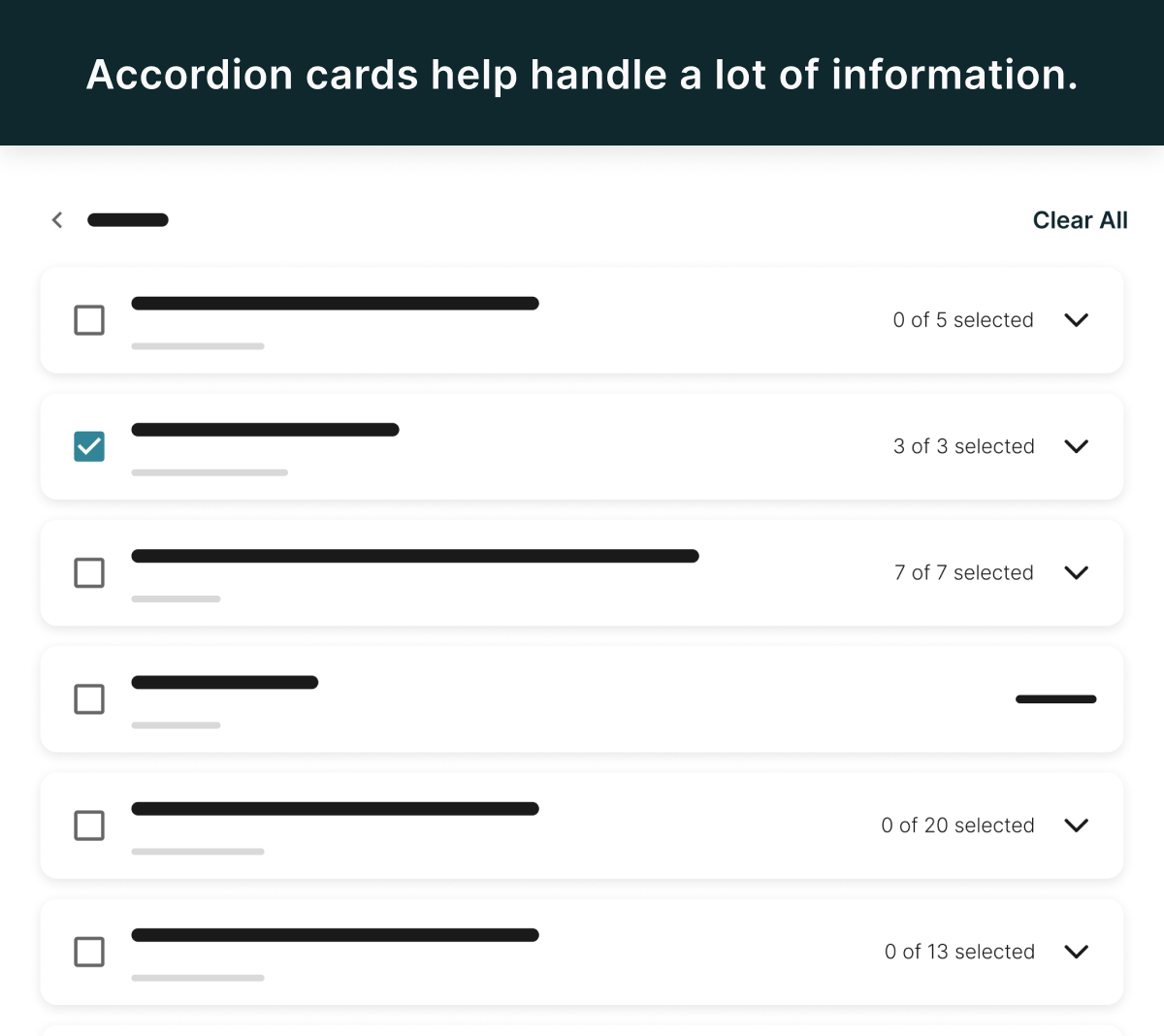
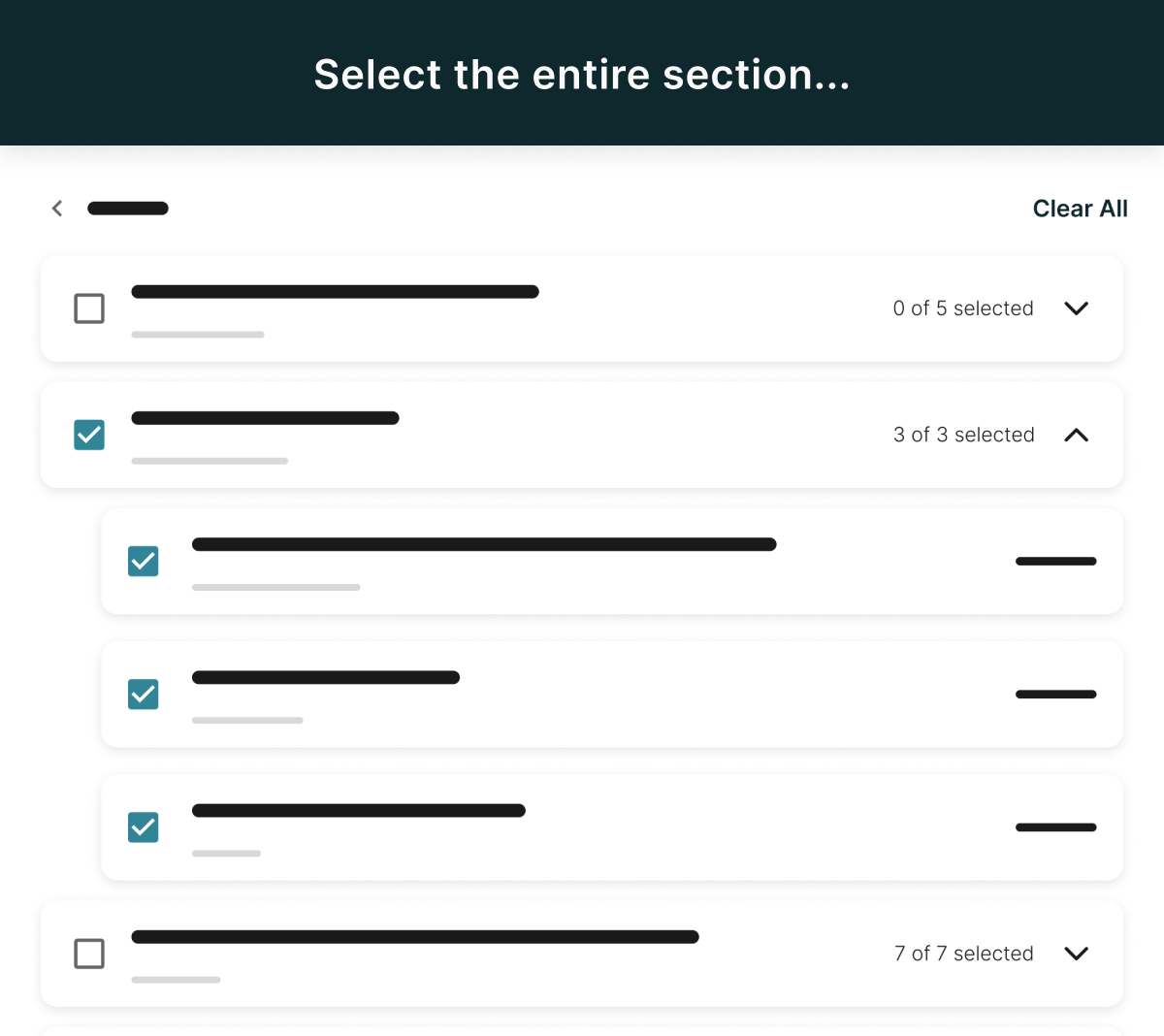
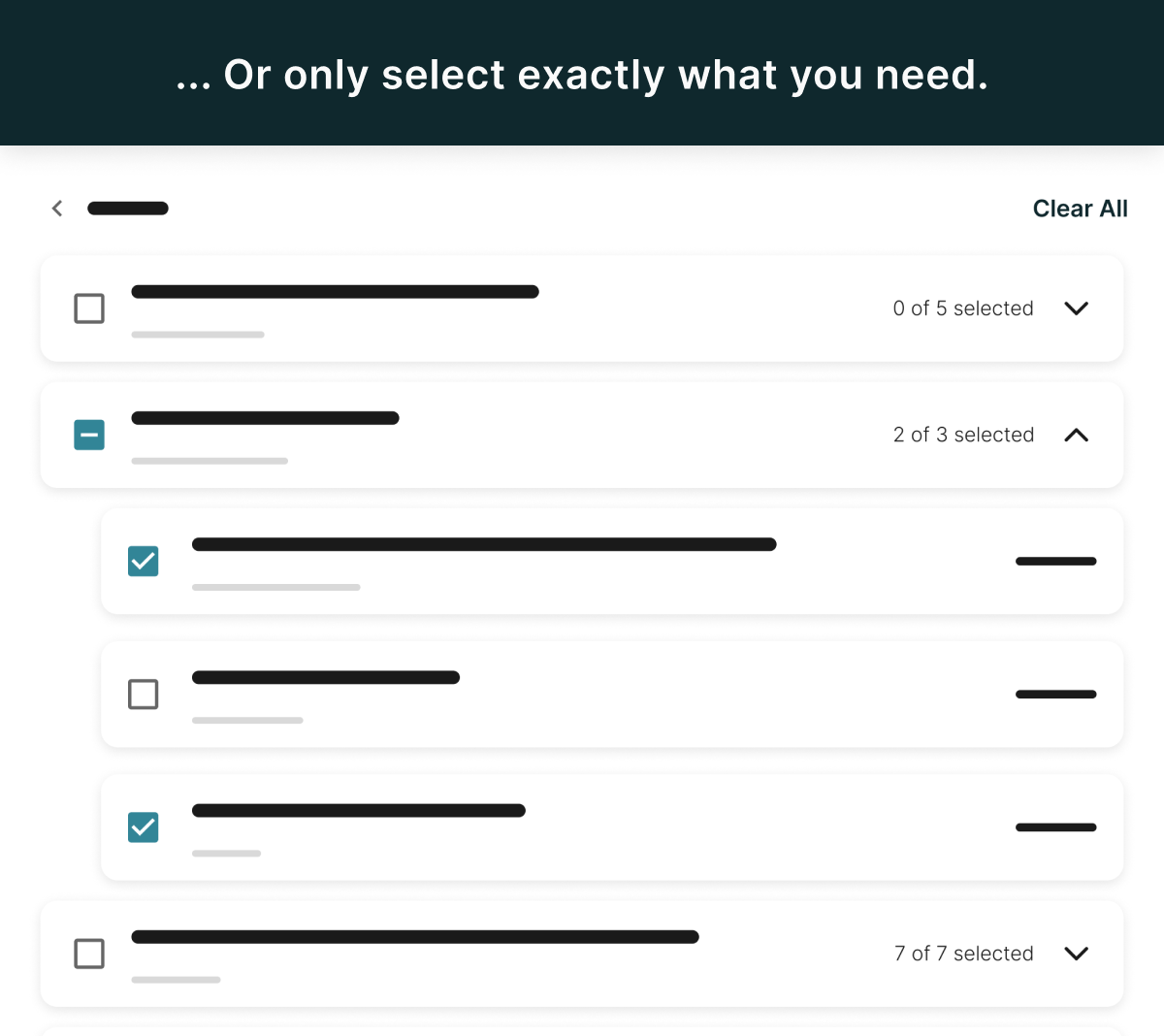
I designed an intuitive action menu: Edit, Duplicate, and Delete. This uses familiar UI patterns to reduce learning time.
- Duplicate allowed quick reuse of setups, minimizing repetitive work.
- Consistent visual hierarchy and confirmation states built user confidence.
- Accessibility and keyboard navigation ensured inclusive interaction.
The Process & Collaboration
This work combined UX research, interaction design, and cross-functional collaboration with developers to ensure data safety during duplication. The focus was on maintaining a clean, scalable system that could support future automation.
Impact
While exact metrics weren’t shared, qualitative feedback showed clear improvement in user efficiency and confidence. Despite a long development queue and shifting priorities that come with a growing company, this feature proved its value once released. It helped reduce support requests, speed up task completion, and give users more independence. Ultimately demonstrating that even smaller UX wins can make a measurable difference when user needs are prioritized.
Lessons Learned
By simplifying interaction patterns and empowering users to manage their own data, we created measurable workflow improvements and reduced operational overhead. A strong example of human-centered design driving business efficiency.


